
Bonuses and deductions can be accrued based on various metrics that you set yourself. For example: a bonus for returning clients, no late arrivals, great performance, etc. Deductions — for being late, poor-quality work, damaged equipment, etc.
For the most common cases, you can create bonus and deduction templates so that later you can select a specific type of bonus.
Creating bonuses and deductions #
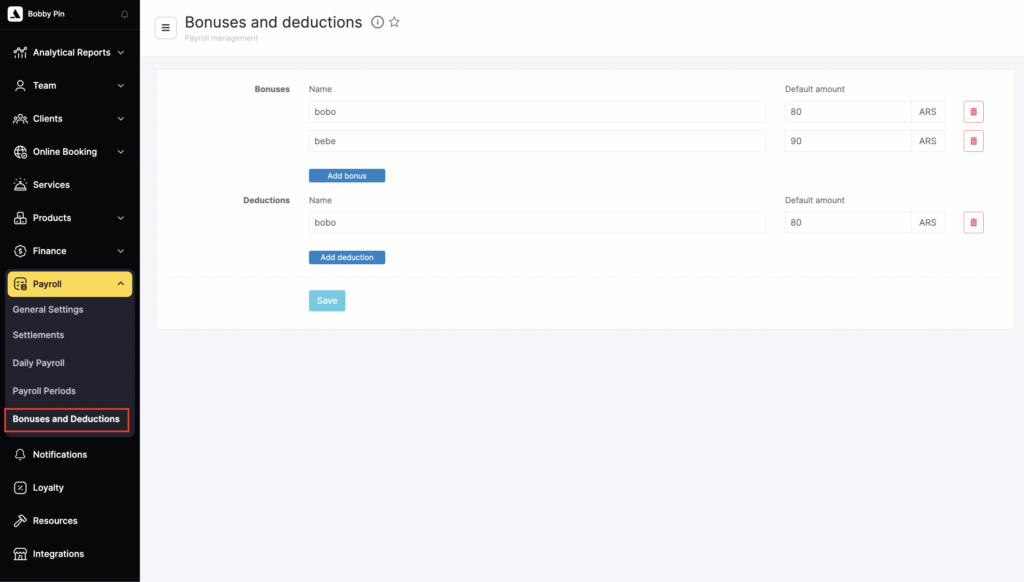
- Go to Administration mode Payroll > Bonuses and Deductions.
- Click Add bonus or Add deduction.
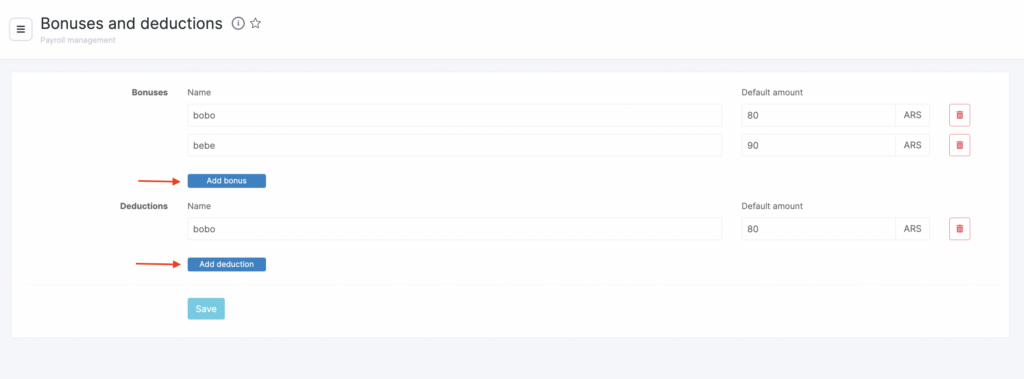
- Enter the Bonus/Deduction name (for example, “for good work”, “for being late”, etc.) and the Default amount. If needed, you can change it at the accrual stage.
- Click Save. These templates can be edited and deleted, and you can also create new ones.
How to accrue a bonus or deduction? #
Method 1 #
Bonuses and deductions can be accrued when creating a payroll statement.
- Go to Payroll > Settlements and click Create payroll statement.
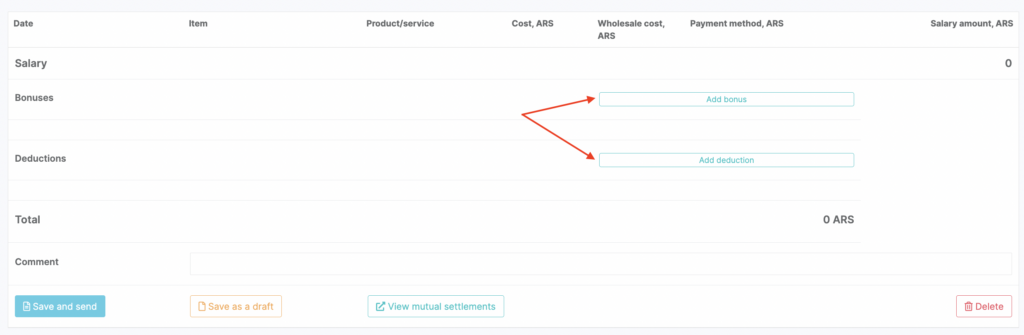
- On the statement page, click Add bonus and/or Add deduction.
- Then click Save and accrue — the bonuses and deductions will appear in the list of accruals on the statement page.
Method 2 #
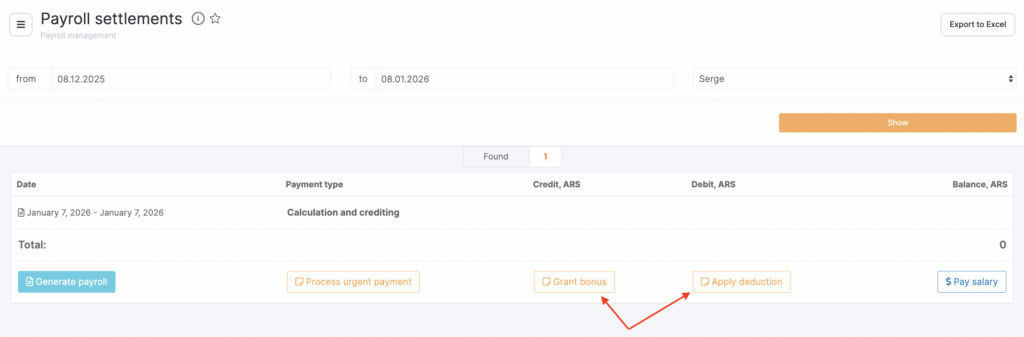
- Go to Payroll > Settlements, select the period and the employee to whom you need to accrue the payment.
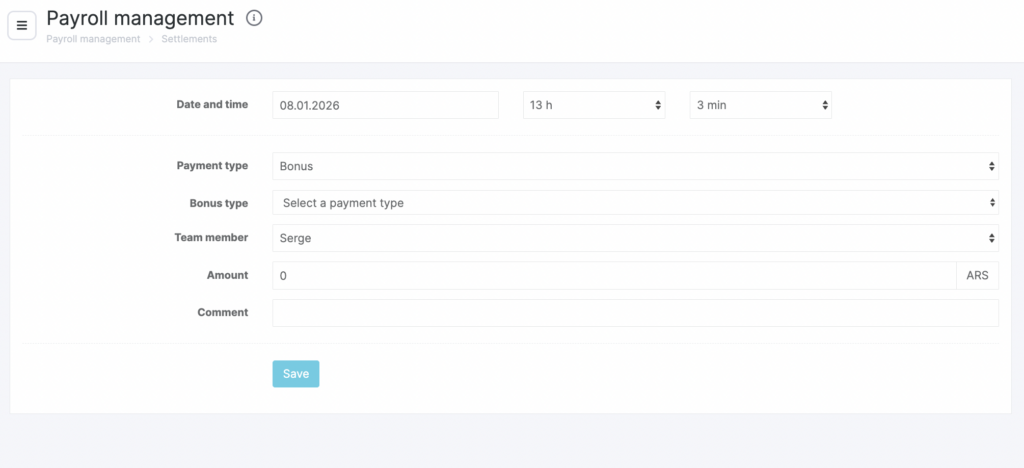
- Click Issue bonus or Issue deduction.
Accrual creation date and time.
The payment type will be selected by default, but you can change it.
Select the bonus/deduction type.
Select the team member who will receive the payment.
The payment amount will be filled in automatically from the template. If needed, you can change it.
Add a comment.
Click Save.
Method 3 #
You can also accrue a bonus or deduction by creating an outstanding accrual. A more detailed description of this process is available in the article Priority payments.

