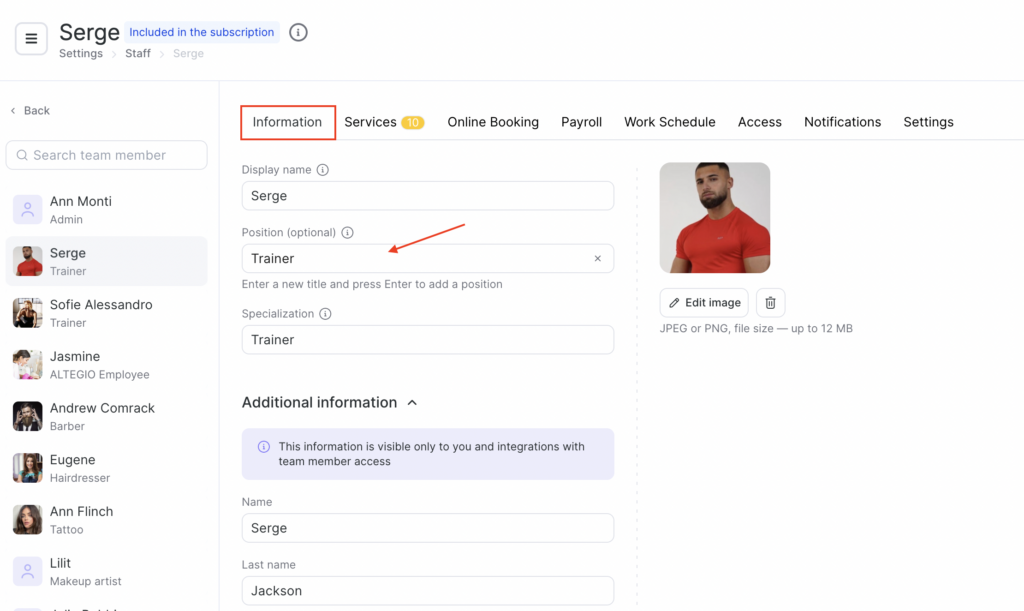
After editing Services and Team you can configure Positions for your team members.
A Position is a group of team members who perform similar types of work or services, such as Stylists, Makeup Artists, Cardiologists, or Tutors. Positions are used within the Altegio system to help you filter data about team members in various sections of the platform.
For instance, when setting up a schedule or payroll, you can filter team members by position to help streamline the process. This setting is particularly useful for companies with a large number of team members, as it enables you to display schedules and data by position.
Setting and editing #
- In the main menu, go to Settings > Main settings > Positions section, and then click on the Add a position button located in the top right corner of the page.
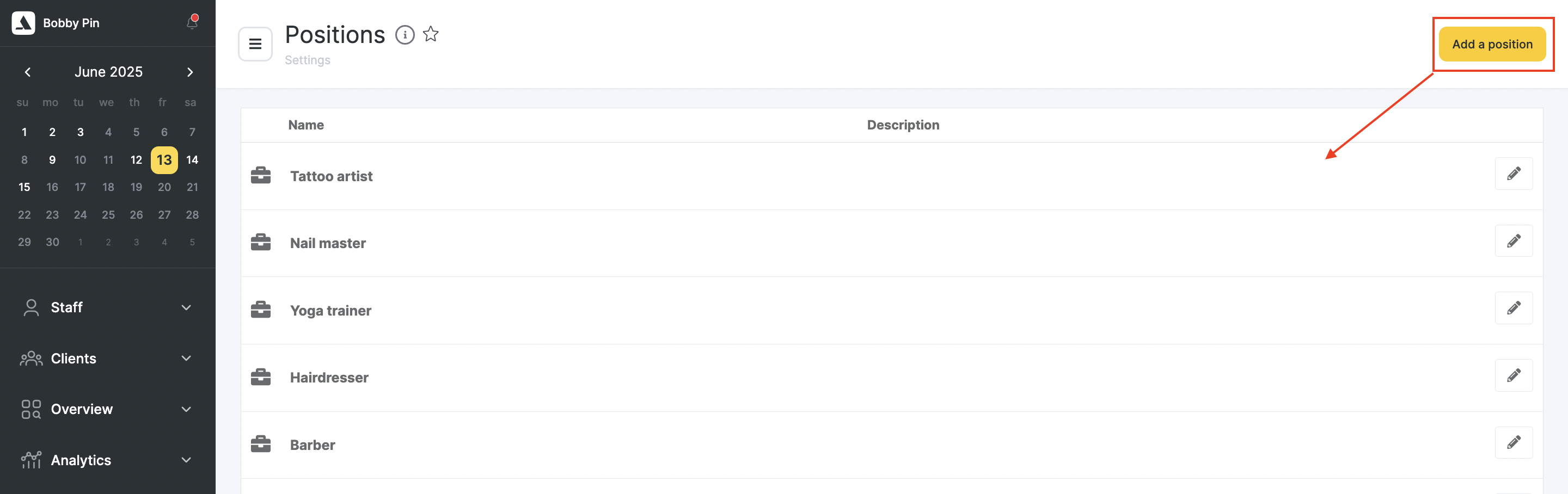
- In the window that appears, specify the Name of the position and, if necessary, add a Description.
- Once you’re done, click the Save button to save the new position.
Where to specify team member’s position #
- Go to Settings > Main settings > Team section.
- Select a team member by either clicking on their name.
- In the section that opens, select the required position in the Position field.
- Once you’re done, click the Save button to save the changes.